
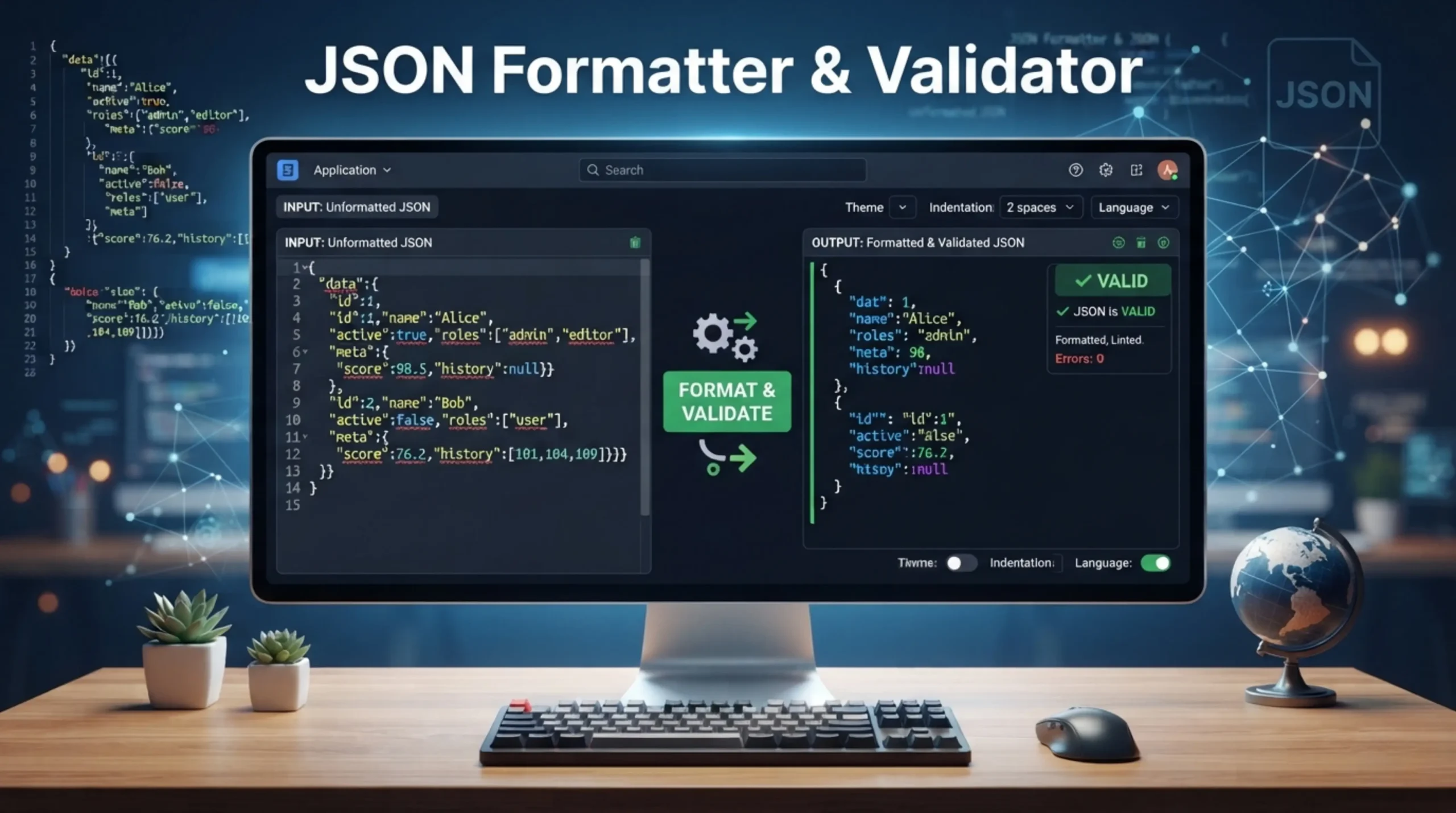
JSON Formatter & Validator
Format, validate, and copy JSON instantly.
Need Help Using JSON Formatter & Validator
The JSON formatter is a tool to convert raw JSON data to a well formatted and easily readable layout. It enables Minify JSON to reduce Data Size and improve Performance. Pretty printing You can output JSON in a more human readable 4 space indented format. Helps debug and visualize JSON data structures. JSON Validator is an online JSON validation tool to validate JSON code. This helps the users to quickly find and fix errors from the JSON structures before using them in applications. Both these tools are must have for any developer working on API’s, configuration files or web services.
JSON (pronounced as Jason) is a lightweight and human-readable solution to represent complex data structure and data interchange between systems. JSON stands for “JavaScript Object Notation”. It is a common data format and serves many purposes because of the simplicity and resemblance to readable text. This is what most systems for communicating data do. JSON is used by 95% of APIs for transferring data between client and server. JSON is platform-independent, easy to read, easy to write and easy to parse for both humans and machines. JSON is widely used in APIs, configuration files and web applications in all programming languages.
A JSON document must conform to the JSON syntax rules for it to be valid . Objects are contained within curly braces and keys must be double quoted. Arrays are contained in square brackets . String values must be double quoted. Values must be one of six types : object, array, string, number, boolean, or null . If there is even one syntax error, such as a missing comma, an unquoted key or a trailing comma, the whole document is invalid. True , False and None are lowercase keywords , not capitalized variants like True or None ( from Python ) . JSON does not support comments, so if you want to comment JSON, you can use a field like “_comment” as a workaround.
The most common JSON mistake is to use trailing commas. JavaScript supports trailing commas; JSON does not. “skills”: [“JavaScript”, “Python”, “SQL”], Other common mistakes are using single quotes instead of double quotes, forgetting to quote keys, using Python style True/False/None instead of lower case true/false/null, and quoting numbers, thus turning them into strings instead of numbers. Usually when a JSON parser throws an error, it has a line number and a position in the message with a character. Begin there, the most common fix is removing a trailing comma or changing single quotes to double quotes
Beautify JSON. Indentation for debugging and code reviews. Minify JSON for production. This means stripping out whitespace, which can reduce the file size by 30 to 50 percent, speed up API responses, and save bandwidth to make your app run faster. Many web sites provide APIs that return data in JSON format with the white space stripped to reduce the payload size. A json formatter provides you with a quick and simple way to format that compact json so you can read and debug it. You can also use the same tool to minify readable JSON back into a compact form when you’re ready to deploy or send over a network efficiently.
json validation helps us to avoid crash or error in an application by malformed data. Validation of security can prevent injection of malicious data and other security problems. Good JSONs make parsers work well, efficiently and with no irrelevant errors. Unvalidated data can leave you vulnerable to security issues such as: Injection attacks Data corruption from malformed JSON Application crashes from invalid data structures that break your app logic Data inconsistencies from missing or incorrect fields Integration failures from API incompatibilities due to mismatched schemas
JSON validation is about validating that a string is valid against the JSON spec in RFC 8259 – this is basic syntax validation that checks brackets, commas, quotes and types. What is JSON Validator tool? The JSON Validator tool validates the syntax and structure of JSON data. It scans JSON for common problems, missing commas, missing braces etc. It can also validate the JSON against a schema that defines some structural constraints. JSON Formatter – What is it? JSON Formatter is an online tool to format JSON data so it can be read more easily. It also allows you to zoom into different aspects, expand or collapse parts of data. Schema validation is another step , check that field names , data types , and required fields are in accordance with the pre-defined schema .
Modern JSON formatter tools can take JSON and convert it to a valid XML format, JSON to a clean YAML configuration format, export flat JSON arrays to CSV formats that can be used in spreadsheets, convert JSON data into a downloadable Excel spreadsheet, and generate CREATE TABLE and INSERT SQL statements from JSON data. Convert JSON to CSV for spreadsheets, YAML for Kubernetes configs, or XML for legacy systems all from the same free tool. Always check the output when converting formats. JSON to CSV is fine for reports but may flatten nested data. YAML to JSON preserves structure but loses comments.
All JSON processing happens locally in your browser, your data never leaves your device, never touches any servers. 100% private information. Format, validate, sort and minify your JSON. Your data is only processed and returned to you. For more information, see our Privacy Policy. All processing is done on the client side, which means your data never leaves your browser. That said, it’s always best practice to never paste production secrets, API keys, passwords, or PII into any online tool even if a tool reports it processes everything on the client side.
Advanced JSON formatter Real-time formatting with syntax highlighting Tree view to navigate through nested JSON structures with expand/collapse functionality JSON Path for extracting values of interest Diff comparison to find differences between two JSON documents Schema validation to perform stricter structural checks Other Features: – Interactive collapsible tree format to explore JSON – Click on any node to inspect path, type and value with live tree statistics. – Fix broken json structures and common syntax errors – Detect duplicate keys and empty containers – Generate a json schema definition automatically from any json sample document.