
Preview
Need Help Using Image Rotator & Flipper
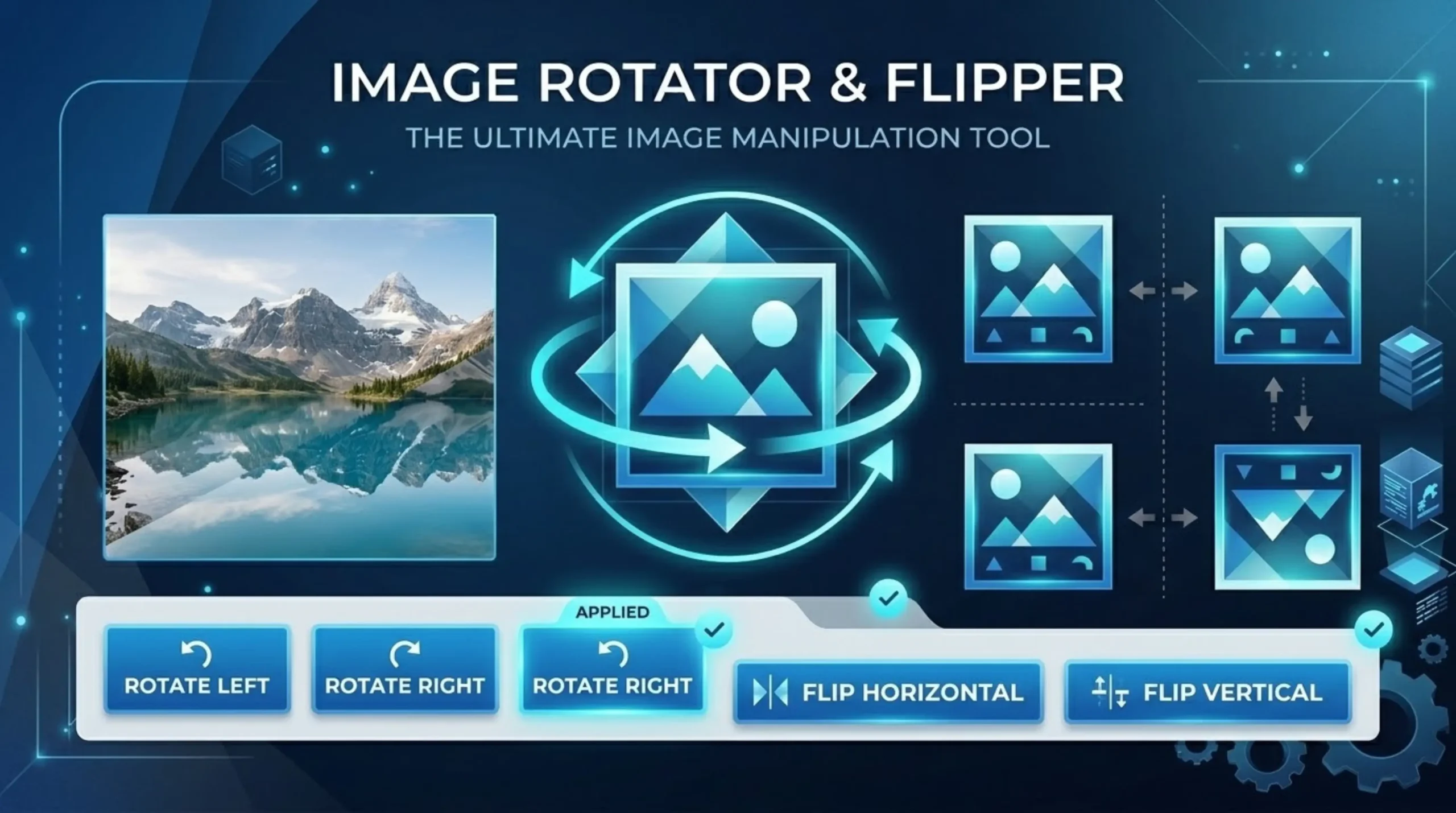
Image rotation is the process of rotating a digital image around a central point to change its orientation. Typical rotations are 90°, 180°, 270°, and arbitrary angles for fine adjustments. Unlike simple CSS transforms that simply change how the image displays, a true image rotation means the pixels are re-rendered and a new image file is created with the correct orientation. Flipping is mirroring the image along an axis . A horizontal flip mirrors the image left-to-right , while a vertical flip mirrors the image top-to-bottom . Both operations can be freely stacked and combined to achieve any creative or corrective effect.
A flip and a mirror are the same. A flip is a reflection of the image along an axis.” A horizontal flip reverses the left and right sides, like holding the photo up to a mirror. A vertical flip flips top and bottom . Rotation is different. It rotates the image around its center point by a set number of degrees. Rotating a photo 90 degrees clockwise turns a photo in portrait orientation onto its right side . A photo that’s rotated 90 degrees and a photo that’s flipped horizontally will look nothing alike. You want a rotation, not a flip, if your photo is sideways because you held the camera at an angle.
An image rotator & flipper allows you to easily change the orientation of your picture. Flip Horizontally (also known as a horizontal mirror or left-right flip) flips the left and right sides of the image. It’s what you’d see if you held a mirror up to the right side of the photo, which is what most people mean when they say they want to flip an image. Flip Vertically (a vertical mirror or top-bottom flip) turns the image upside down, as if it were a reflection in still water. If you apply both axes at the same time with an image rotator & flipper, it will have the same effect as rotating the image 180 degrees. Flipping text upside down flips it upside down so it looks backward.
Flipping and rotating are lossless geometric transformations that just rearrange existing pixels without recompression and loss of quality. The downloaded image is still at its original full resolution. All supported formats can be rotated 90, 180 or 270 degrees without loss. Original resolution and color depth are maintained, but custom angles can be resampled. One common mistake is rotating JPG multiple times, which degrades quality because of re-compression each time. To avoid this, carry out all the necessary transformations in one session before saving the final output. Using a quality Image Rotator & Flipper tool ensures this doesn’t happen.
Sideways or upside down photos? This is due to EXIF orientation meta data. When you shoot a photo with your phone held upright, the camera saves the image in landscape mode but adds an EXIF tag that tells the software to rotate it. Some programs correctly interpret this tag while others ignore it which creates inconsistency in the display of content on different devices and applications. Not all software pays attention to the Orientation Tag. It should be correct, but in simple image viewers, legacy software, or older web browsers that do not bother to read EXIF tags, the photo may look sideways because they show the raw horizontal pixel grid from the sensor.
EXIF data is useful information embedded within a JPEG file about a JPEG image. When images are photographed, digital cameras use orientation sensors to save an EXIF orientation value for how the camera is held. There are 8 possible values not only landscape and portrait. Photoshop and other photo editing software will automatically rotate photos based on the EXIF orientation value, saving you from having to do it manually. Some tools only change the EXIF Orientation metadata tag and not the actual pixel rotation. Platforms that ignore the EXIF tag will show the image sideways. The best tools actually rotate the pixel data and set the EXIF orientation to Normal, so that the resulting image is displayed correctly everyplace.
Designers and photographers also flip images to create symmetry art and kaleidoscope effects (duplicate an image and flip one copy horizontally, then place the two copies side-by-side for a perfectly symmetrical composition) and for product photography (flip an item so that it faces into the page instead of out of it). There are some creative and practical reasons to flip images. Sometimes the orientation is off and the image uploads sideways or backward when you post to social media. Sometimes the person wants to create a mirror esthetic effect. “Occasionally selfies upload backward and have to be flipped. Sometimes you need to flip the graphic horizontally before you print it on a t-shirt or iron-on.
Yes, all changes are cumulative. You can flip it horizontally, then rotate it 90°, then flip it vertically, or any combination of the three. You can always go back to the original orientation by pressing the Reset button. The tool has a single interface for both rotation and flipping – you can rotate 90 degrees and flip horizontally, all at the same time. Rotations by 90°, 180° and 270° are highest quality. The image is re-encoded to custom angles and the quality may vary a little. You always get better results if you do the transformation in one pass before downloading, rather than saving, and then re-editing multiple times.
Upload images in JPEG, PNG, WebP, GIF, BMP, AVIF, SVG, ICO, TIFF and HEIC formats. All transformations are applied at once, and the preview updates in real time. Upload your PNG, JPG and WebP images – up to 20MB. You can even choose a different output format, like flipping a PNG and saving it as WebP for a smaller file size. Rotating the image 90 or 270 degrees changes the width and the height of the image. For example, if you rotate a 1920×1080 image 90°, it becomes 1080×1920. If you rotate it 180°, the size stays the same as the original.
All processing is done inside your browser with the HTML5 Canvas API 100%. Your images never leave your device and are never uploaded to a server at any point. You can use the tool instantly, without signup, email or installation of any software. All processing is done locally in your browser, your files never leave your device. Rotate or Flip Multiple Images in One Go. Rotate or flip up to 30 images with the same settings. Great for organizing photo albums, product images or screen shots. One click processing and download all results in a single ZIP file