
Image Background Remover
Original
Result
Need Help Using Image BG Remover
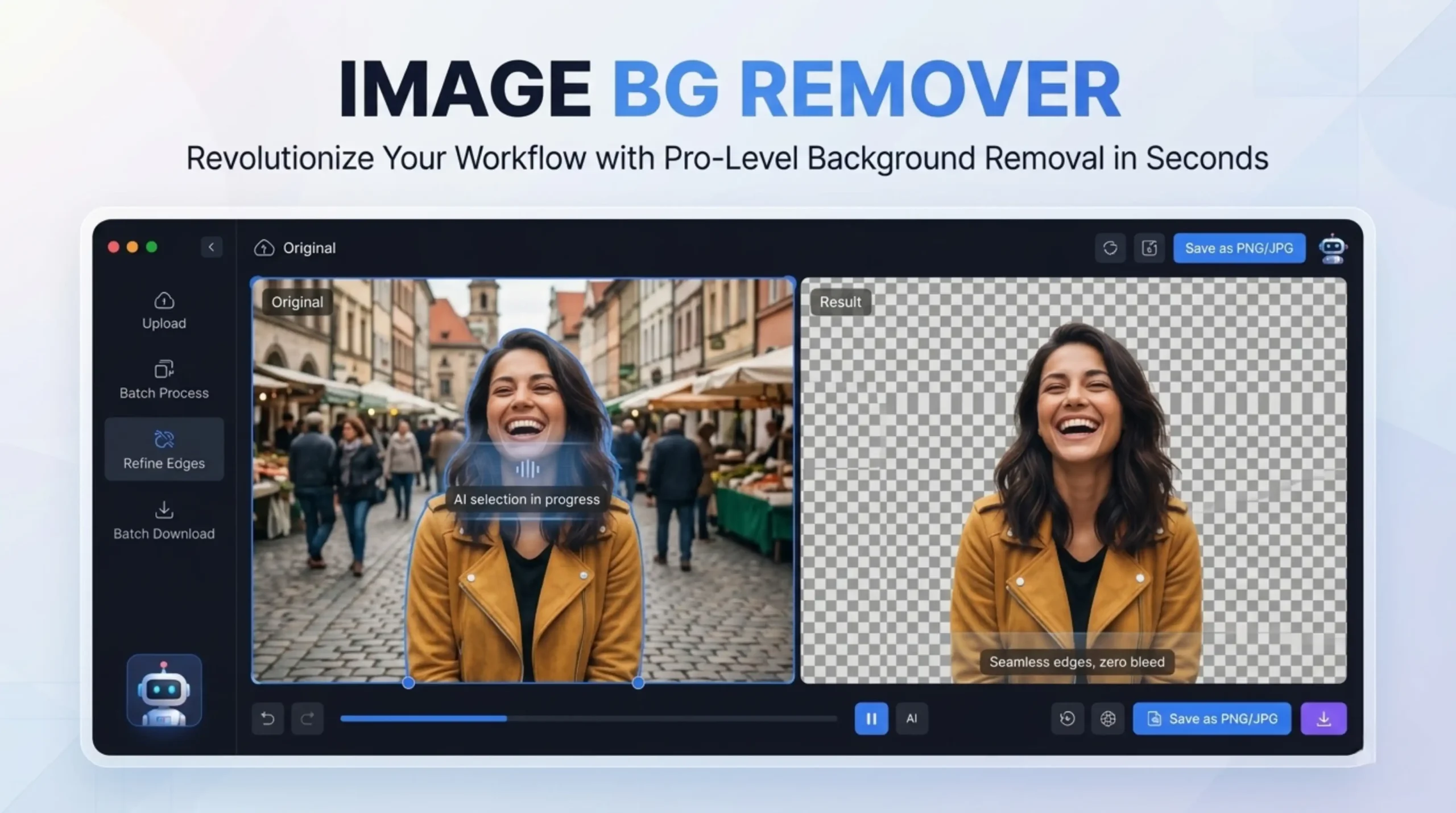
An online background remover is a tool on the web that uses AI to detect the main subject of a photo and get rid of everything else. This process generally results in a subject on a transparent background, which can then be inserted into new designs, ads, or composite images. The tool uses machine learning algorithms, specifically computer vision, to analyze pixels and detect patterns, i.e., to differentiate foreground (person, animal, or object) from background (scenery or environment). (BG Remove Review) Once it knows the edges of the subject, the AI generates a digital mask that hides the background layers while leaving the subject visible.
Continue using AI Cursor?Keep it onTurn Off
When you upload an image, the model does not consider color thresholds or any regions specified by the user. It reads the whole image at once and generates a per-pixel segmentation map that estimates which pixels belong to the foreground subject, as well as an output mask. The end result is a transparent PNG, with the background cut out based on that mask. Variations in tool quality are evident in the boundary between subject and background. A coarse segmentation model gives a hard, blocky edge, while a well-trained model with fine-grained edge detection gives a graduated, natural edge.
These sophisticated tools leverage an AI matting model with edge refinement technology and batch processing ability to successfully remove the background from the image while keeping fine details like hair, fur, and transparent objects. Tools like erase, brush, dodge and burn, and transparency are ideal for removing backgrounds and cleaning up your selections. The results look smooth and natural, no jagged or fuzzy edges. (Aiarty) Highly compressed images confuse the foreground and background pixels. The details of the edge vanish. Edges are drawn in a stair-step manner. The high-resolution images don’t lose the fine details.
Background remover tools work with people, animals, objects, etc. You can upload images in JPG, PNG, HEIC, or HEIF formats. Always export as a transparent PNG. Export as a PNG with alpha transparency, not on a white background. This gives you more flexibility when compositing, doing design work, and changing the background later. If file size is an issue, WebP with transparency offers similar quality at 25-30% smaller file sizes. Most of the tools will output a high-quality PNG to maintain the transparency layer for putting subjects on new backgrounds.
Background removers help you obtain clean quality cutouts with no loss of quality. Upload and export images in full resolution. The tool doesn’t compress your files at all. So the detail is crisp and good enough for professional use. For example, the Picsart photo editor retains the original quality of the photo. But to increase the quality, you can use the built-in AI enhancer to upscale the resolution after removing it. Some tools will restrict the size of the output unless you upgrade to a paid plan, so always check the resolution limits on the free tier.
Background removal tools work best when there is high contrast between the subject and the background (i.e., a dark subject on a light background), clean uncluttered backgrounds such as solid colors or studio backdrops, sharp in-focus subjects with well-defined edges, good lighting with even illumination, and high-resolution images with lots of pixel data for the algorithm to work on. (Pro Photo Cut) The hardest are like colors or tones in the subjects and backgrounds or busy, complex backgrounds with lots of fine detail. These may need to be touched up manually after the AI pass.
Remove Background: You can download the image with a transparent background or change the background to a new one. The subject is cut out and easy to transfer. You can use your image in many scenarios to create a professional and polished look for products or marketing purposes. (Picsart) Once you remove the background, you have dozens of different photorealistic AI-generated backgrounds you can choose from. Great for professional-looking product photography without the need for a real photo studio.
If you run an e-commerce store, the quality of your product images can make or break your sales. Baymard Institute has conducted extensive usability tests and found that more than half of users immediately went to the product images as soon as a product page loaded, and poor or insufficient images resulted in higher cart abandonment. There are plenty of free AI background removers that will give you studio-quality results in seconds, with no manual editing or expensive software. (Shopify) Fast background remover and change to white background to make your product stand out. Perfect for adding product images to e-commerce websites, commercial advertisements, and marketing materials.
That depends on what you want. What’s best? AI tools are perfect for fast edits and simple images. Once you have product photos for your e-commerce listings, you are likely to use professional editing or manual tools like Photoshop to get a consistent result. AI background removers work well on simple images, where the subject is clear and there is a clear contrast between the subject and the background. They will also likely have trouble with hard surfaces like hair, lace, reflections, and transparent surfaces. (Course adjustments) If you are running real catalogs, you will be looking to purchase at least one plan. Usually a good paid solution will be faster than a set of free tools.
No, these are for anyone, no matter their skill level. The AI does the hard work and pulls out the edges for you. (BG Remover Overview) You don’t need any tools or tracing edges to mess with; Adobe Express does the background removal for you. Download your transparent PNG in a jiffy. Then you can drag and drop it into a new design, add a different background, or publish straight to your social channels. (Adobe Express) These days, most of these tools are browser-based and mobile-friendly, so you can create professional-looking cutouts from your smartphone, no editing experience necessary.