
Document Converter
Download Converted File
Need Help Using Documents Converter
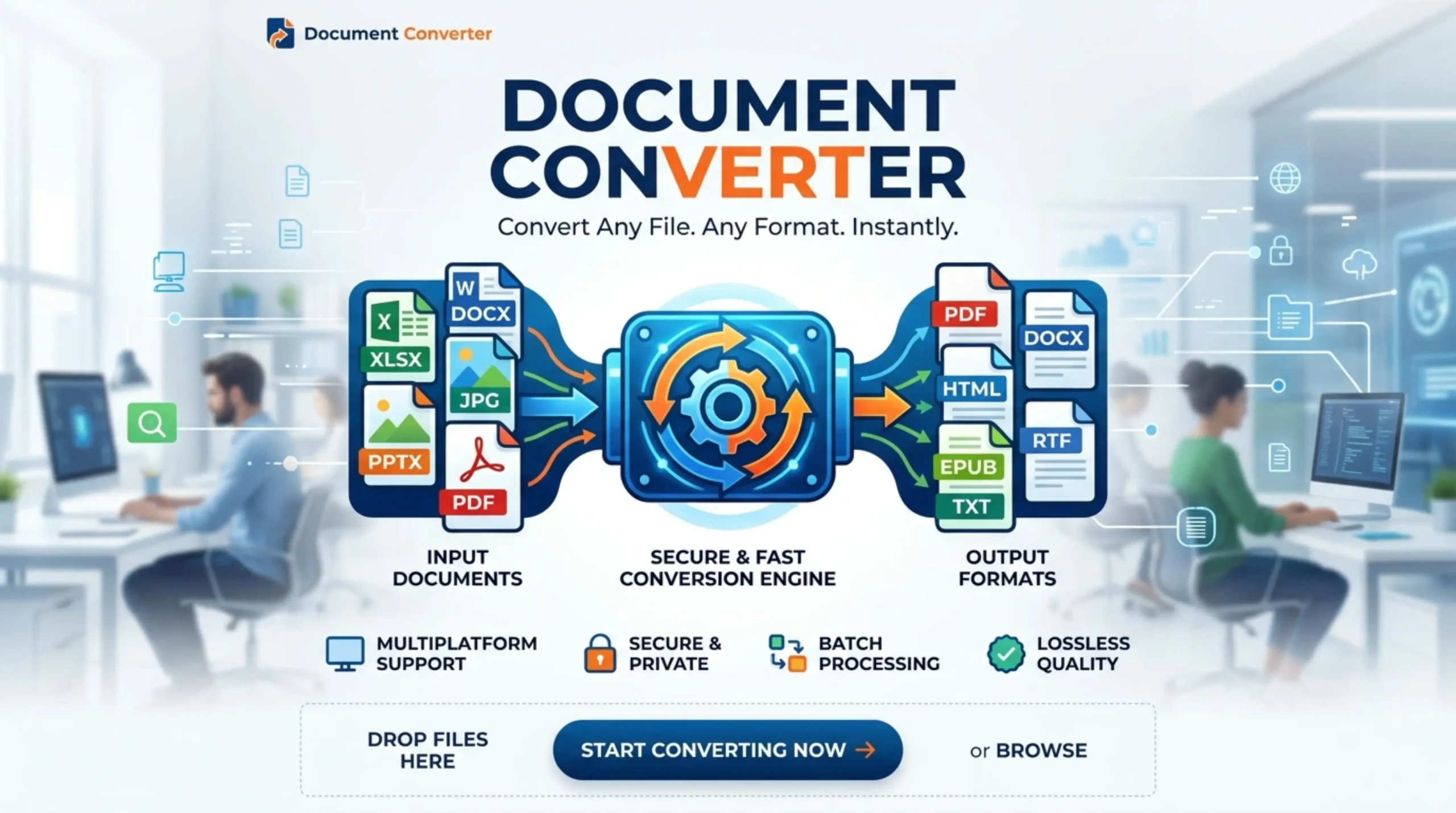
A document converter is a software tool or an online service that converts files from one format to another, e.g. a Word document to a PDF or a PDF to an image . It does this by reading the structure, text, fonts and layout of the source file and recreating that content in the target file format. Popular formats such as PDF, DOCX, XLSX, JPG, PNG, and TXT are supported by most of the converters. Most online converters let you upload a file, choose an output format and download the converted result within seconds, without needing to install software on your device.
Safety depends on what platform you use. Trusted online document converters encrypt the files with HTTPS while uploading and transferring. Many trusted services delete the uploaded files from the servers automatically within a few minutes or hours after conversion to protect your privacy. But don’t upload sensitive documents like legal contracts, medical records or financial data to free public converters. Data handling policies vary. Always read the privacy policy of the service you are using. If you have really sensitive files you might want to consider offline desktop software. This means all of your files stay on your own computer.
The easiest way to convert the PDF to Word, without losing formatting, is to use a good converter, like Adobe Acrobat, Smallpdf, ILovePDF. These conversion tools try to preserve fonts, tables, images and page layout. The result accuracy depends on if the PDF is a scanned image or has real (selectable) text. If you have scanned PDFs you will need OCR (Optical Character Recognition) technology to get the text out correctly. Always open the DOCX file in MS Word after conversion and look for any formatting errors (especially with complex tables, multi-column layouts, special characters that can get shifted around during the conversion).
A few online document converters are highly rated and trusted, and they’re free. There are many popular options for PDF conversions, including Smallpdf, ILovePDF and PDF2Doc. Zamzar and Cloud Convert support a wide variety of formats, like DOCX, XLSX, PPT, JPG, MP4 and so on. LibreOffice is a free, offline desktop app that can deal with many document formats. Google Docs is also a free converter, just open a file in Google Docs and download it in your favorite format. Your best bet will depend on your particular format needs, file size restrictions, and whether you want an online service or an offline desktop program.
Many document converters support batch conversion, so you can convert many files at once rather than one by one. Adobe Acrobat Pro, CloudConvert and ILovePDF are tools that support batch processing. Batch Conversion lets you upload many files, choose the output format you wish, and download all converted files, typically in a single ZIP archive. This feature is very handy for companies or professionals with lots of documents to convert. Paid plans typically lift those restrictions, and most platforms will limit the number of files you can batch convert on free plans.
There are many free and easy ways to convert a Word doc to pdf. If you’re using Microsoft Word, go to File > Save As or File > Export and choose PDF as the file format. On a Mac, go to File > Print > Save as PDF For Google Docs users, exporting is quick and easy: Navigate to File > Download > PDF Document. Or you can upload your docx file to free online tools like Smallpdf, ILovePDF and PDF24 and get a PDF in seconds. These methods generate high quality pdfs that retain formatting, fonts and images from the original Word document – no special software purchase needed.
A document converter usually supports different file formats in various categories. PDF, DOCX, DOC, ODT, RTF and TXT are all popular document formats. Spreadsheet formats are XLSX, XLS, CSV, and ODS. Available formats include: PPTX and PPT. Supported image formats are JPG, PNG, TIFF, BMP and SVG. Some converters also support eBook formats like EPUB and MOBI, as well as HTML and XML formats. Other more advanced converters, such as CloudConvert and Zamzar, also offer conversion of audio and video formats. The available formats vary by platform, so be sure to check the list of supported formats for the tool you’re using before you upload your file.
After conversion, you’ll often see some changes in the formatting. This is generally because different file formats handle layout, fonts and spacing in different ways. For example, if you convert a PDF with embedded fonts to DOCX, and the font you used isn’t installed on your computer, the converter may replace it with a similar font. Formats handle spacing differently, and tables, columns, and text boxes frequently shift around during conversion. Scanned PDFs that are not correctly processed with OCR may result in garbled text or incorrect line breaks. We’ve upgraded our systems to be even faster, more reliable and more secure. Always check the converted file carefully afterward and manually fix any elements which are not aligned properly, especially with documents that have complex formatting or graphics.
Yes, you can take a scanned PDF and turn it into an editable document using OCR, or Optical Character Recognition. Each page to be scanned is an image, and then the OCR software scans that image for the recognition of the characters, words and structure – and thus producing an editable text version. Scanning PDFs using OCR software like Adobe Acrobat, ABBYY FineReader, and Microsoft OneNote. Free OCR Online Try Smallpdf OCR and OnlineOCR.net For best results please use a clear high resolution (300 dpi minimum) scan of the PDF file. OCR can usually accurately read clean printed text but can have problems with handwriting, unusual fonts or low quality scans.
Yes, there are some desktop applications which convert documents completely offline with no Internet access. LibreOffice is a free and open source office suite that can convert between DOCX, ODT, PDF, XLSX, PPTX and many other formats. Microsoft Office (Word, Excel and PowerPoint) also natively supports saving in multiple formats. Adobe Acrobat (paid) Offline conversion of PDF (full) Windows has a built in Print to PDF function that allows you to convert any printable document to PDF without any software. If you’re a Mac user, you can use Preview to convert PDFs, images and simple documents when you’re not connected to the internet. Tools working offline are great for users working with sensitive files, who don’t want to put data on cloud servers.