
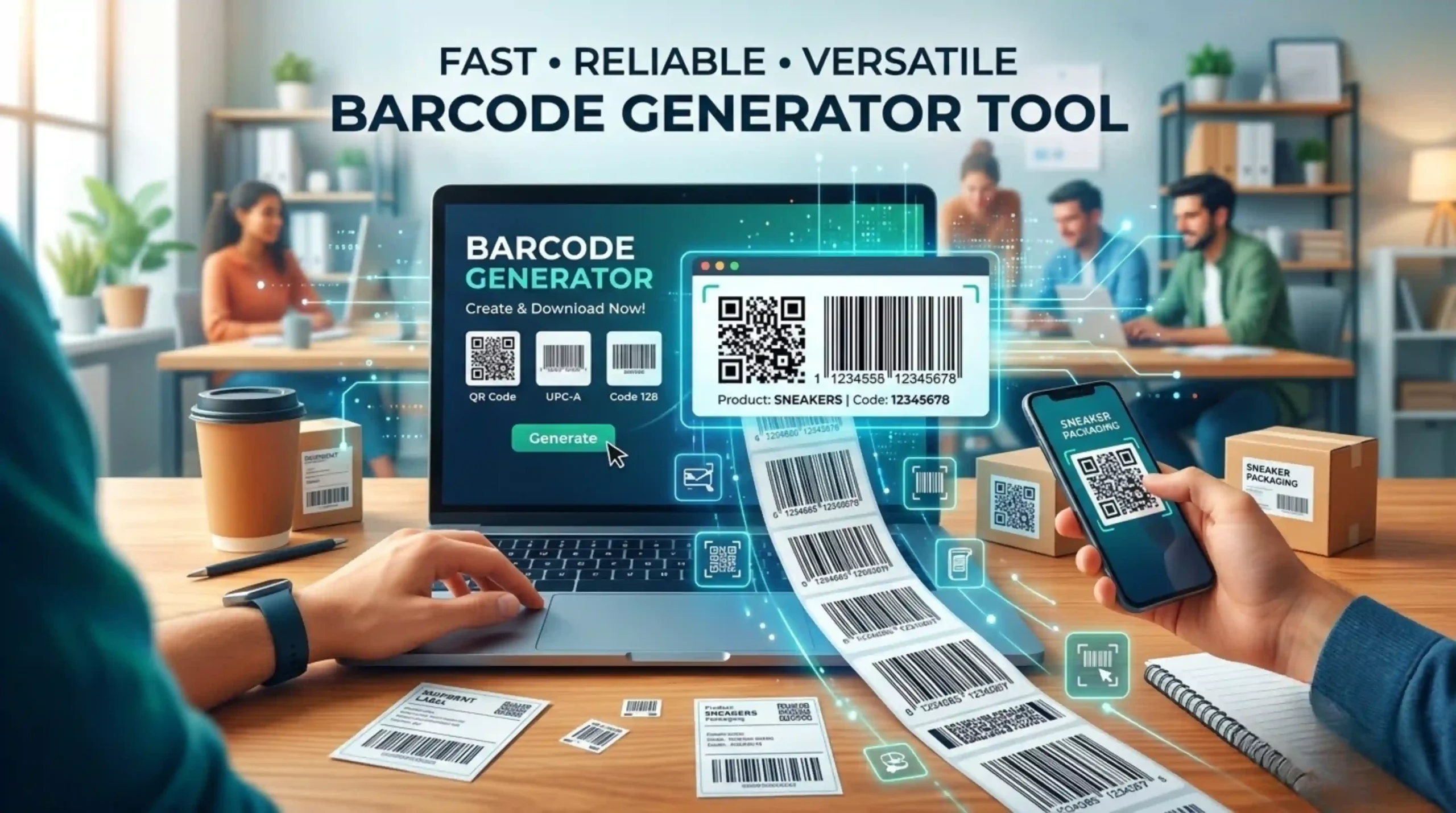
Barcode Generator
Generate high-quality barcodes instantly.
Need Help Using Barcode Generator
What is a Barcode Generator?
A barcode generator is a digital tool, either online or software-based, that generates a scannable barcode image from text or numeric data. You enter your data, select a barcode format and the tool generates a downloadable image file (PNG, SVG, JPG, etc.) that you can use to print on labels or product packaging. It formats the barcode in line with industry standards, so that any scanner that supports the barcode can read it correctly. No software installation required: online tools work on any device including mobile, tablet and desktop
What barcode types can a generator create?
Most generators can produce both 1D (linear) and 2D barcodes. Examples of common 1D types include UPC-A , UPC-E (US/Canada retail), EAN-8 , EAN-13 (European retail), Code 39 (ID cards, inventory), Code 128 (asset tracking, logistics) and Codabar (libraries, blood banks). The most popular 2D symbologies are QR Code (marketing and promotions), Data Matrix (shipping and receiving) and PDF417 (driver’s licenses). Each format is designed for a specific industry and amount of data, so making the right choice is important for compatibility
Are online barcode generators free to use?
Yes, there are many reputable online barcode generators that are completely free to generate individual barcodes. Tools like Canva, Aspose, OnlineLabels, and more allow you to create, preview, and download barcodes for free. Some platforms provide premium plans for bulk generation, advanced formats or commercial licensing. For some use cases (e.g., UPCs registered with GS1 for retail), there can be costs associated with obtaining official GTINs, but the tool to generate them is typically free.
How do I generate a barcode step by step?
Making a barcode is easy: Step 1: Select your barcode type (e.g., Code 128, EAN-13, or QR Code). Step 2: Enter the data or number that you wish to encode into the input field. Step 3 Check the live barcode preview to ensure it looks correct. Step 4 – Choose your output format (PNG, SVG, or JPG). Step 5 – Download and print your barcode. Most tools output real-time results. For bulk barcodes, enter a value on each line or copy and paste data from a spreadsheet.
What is the difference between 1D and 2D barcodes?
1D (linear) barcodes encode data in one direction, typically horizontal, using a series of black bars and white spaces (familiar examples are UPC and Code 39). They are limited in data (usually numbers or short text) and are read by simple laser scanners. 2D barcodes like QR Codes and Data Matrix encode data in both directions, so they can contain much more data (URLs, contact cards, binary data) in a smaller space. 2D codes need an imager scanner (camera-based), not just a laser. If you need to encode Unicode or complex data, use a 2D format.
Which barcode type should I use for my product?
The right type depends on what you are doing. For retail products in US / Canada use UPC-A. If you are selling in Europe use EAN-13 for retail. Books and periodicals: ISBN/ISSN (based on EAN-13) UCC-128 or EAN-128 on shipping cartons. Good for inventory and ID cards: Code 39 or Code 128. QR Code is great for advertisements and mobile use. Always use industry-standard, GS1-registered codes if you plan to sell items through major third-party retailers to ensure compatibility.
Why won't my barcode scan properly?
Common causes of scanning failures include: Low contrast between the bars and the background (always use black on white), poor print quality or low resolution, stretching of the image causing distortion of the width of the bars, missing quiet zones (white space margins around the barcode), dirt or glare on the label, and unsupported symbologies in the scanner’s settings. How to fix issues ? Print at a higher resolution . Use a high contrast . Print a test label first . Make sure the barcode is not printed on curved surfaces . Make sure your scanner supports the barcode format you used .