
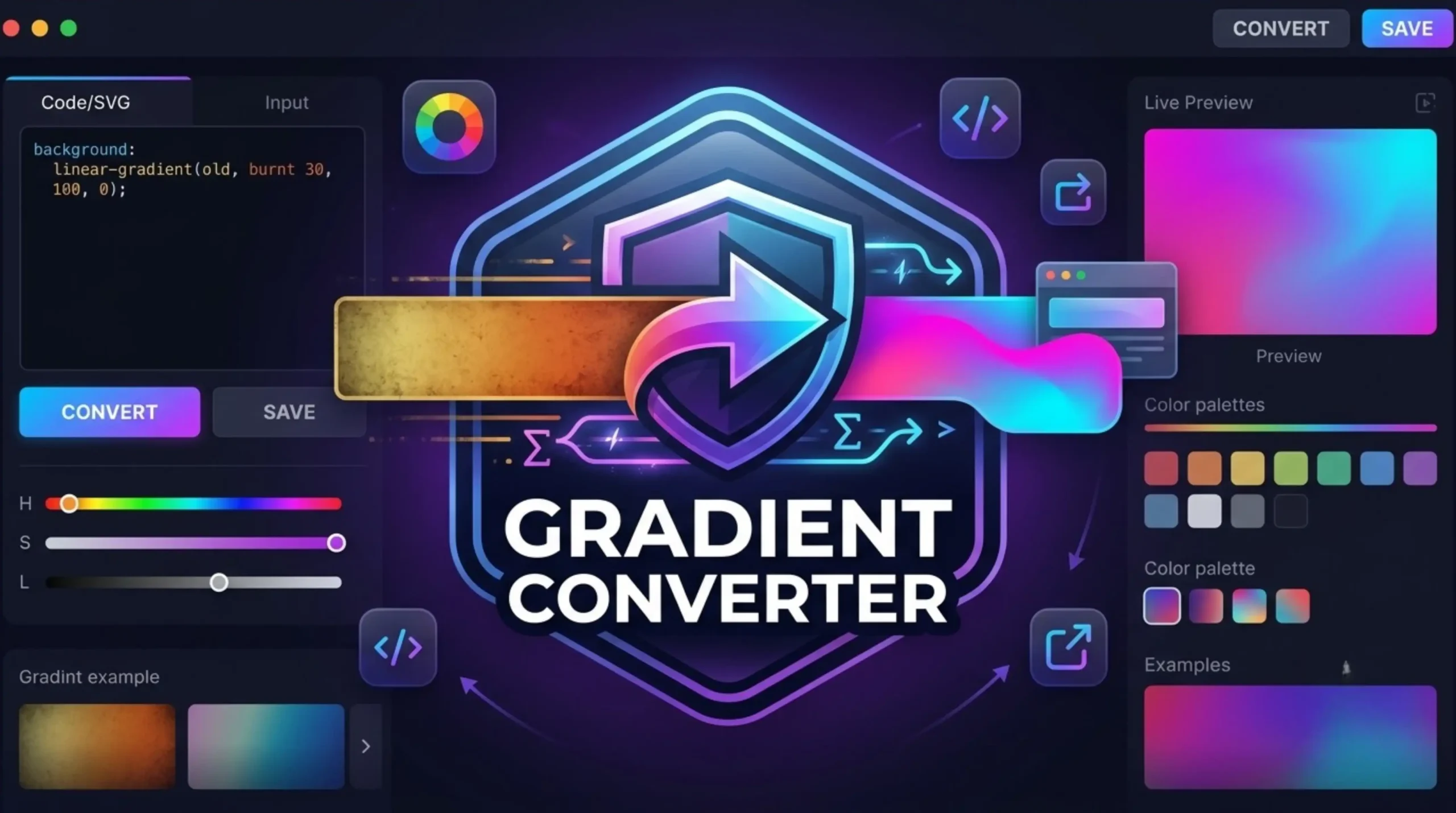
Gradient Converter Tool
Create CSS gradients instantly.
Need Help Using Gradient Converter
The Gradient Converter is an online design tool that enables users to merge different colors into smooth visual transformations. It accepts color inputs (HEX, RGB, HSL codes, etc.) or image tones that it extracts and converts them to formats you can use in your designs, like CSS code, SVG vector backgrounds or PNG images. This tool enables designers and front-end developers to quickly create linear, radial, or conic gradients for websites, digital UI interfaces, banners, and digital graphics without the need to write complex code manually.
An image-to-gradient converter converts dominant color tones of an uploaded image file into a multi-stop color transition. The tool analyzes image pixels with color-sampling algorithms, identifies the key accent colors and arranges them in a smooth gradient palette in a sequential manner. Users can manually change the color stop positions, adjust the angles, or modify the blend modes. Once the tool has generated the extracted color transition you can export it as production ready CSS code or download high resolution background assets.
Linear gradients are gradients that change color along a straight line at a given angle or direction (e.g., top to bottom or 45 degrees). Radial Gradient : A gradient that radiates from a center point in a circle or ellipse. A conic gradient is where the colors rotate around a center point of focus . The rotation is a full 360 degrees . Think of a color wheel or a slice of pie . You have a gradient converter you can at once select these transition patterns.
If you create a gradient or modify one, the tool will spit out nice little snippets of CSS code (linear-gradient() or radial-gradient() for example) with HEX or RGBA values styled. Just copy the code block and paste it directly into your website stylesheet. Also, many of the tools provide cross-browser vendor prefixes, Tailwind CSS utility classes, and direct SVG XML exports for compatibility with modern web browsers and design frameworks.
You can just enter individual color values from a palette into the color stops of a gradient tool . The converter will determine the order, opacity percentage and placement of each color, smoothing the transition between your selected shades. This makes it easy to convert a static color palette into dynamic CSS background code for buttons, cards, headers, or full screen backgrounds.
CSS gradients are natively responsive. That’s because web browsers render gradients on the fly, depending on the size of the screen and its display resolution. If you enlarge a static image (like a JPEG or PNG), it can become pixelated or stretched. CSS based gradients however scale nicely across mobile devices, tablets and desktop monitors without adding heavy image payload to the load time of web pages.
Most gradient converters will let you adjust opacity using RGBA or HSLA color formats . You can create transparent gradient overlays by adjusting the alpha channel ( transparency ) of each color stop from 0 % ( fully transparent ) to 100 % ( fully opaque ). Web design often uses these overlays over a background image to increase the contrast and legibility of text.
Gradient converters typically have several output options. Web developers often simply copy clean CSS, SCSS, or Tailwind snippets. Tools enable users to download graphics, UI design and media production in high resolution PNG, JPEG or scalable SVG files. Vector SVG files are particularly useful for graphic designers in Figma, Adobe Illustrator, or Photoshop.
Being able to use native CSS gradients is a huge win for web performance over loading image files too. The beauty of CSS gradients is that they take almost no bandwidth, they load instantly, they scale infinitely without losing quality and they are easy to modify or animate right in code. CSS is better than background images because it reduces HTTP requests and improves SEO scores, as it allows pages to load faster.