
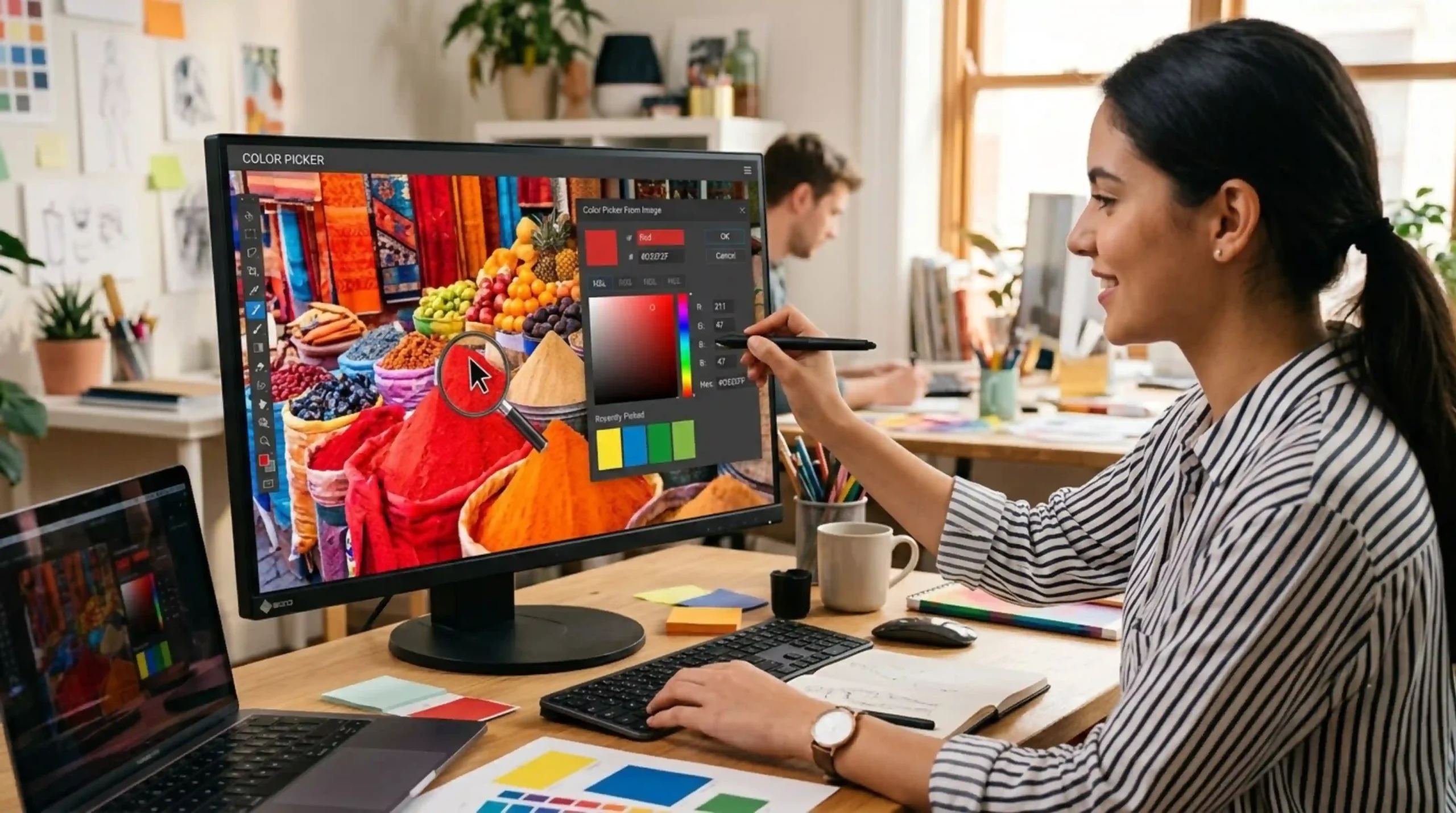
Need Help Using color picker image
An image color picker is a tool which enables users to extract and identify a specific color from any digital image. You can click on a pixel in a photo or graphic and this tool will tell you the exact color code, whether it’s HEX, RGB or HSL values. Designers, developers and artists use these tools to maintain color consistency in digital projects, branding or web design. This feature is available in many online and offline applications and helps you to easily match or copy colors from existing images for creative work.
Upload your image to a website with this feature and use an online color picker from an image. After uploading, just tap or click the image to select a color. Instantly, the tool will give you the exact color code (HEX, RGB, etc) of the pixel you selected. Other tools allow you to zoom in for more precise picking, or just copy the colour code to use in design software. Always make sure your image is in a supported format (JPG or PNG).
Most image color pickers work with popular image file formats such as JPEG, PNG, BMP and GIF. Some of the more advanced tools might also take TIFF or SVG files. Some websites or apps only allow you to upload standard formats, so be sure to check the specific specifications of the tool you’re using. If your image is not in a supported format you can also easily convert it to one with free online file converters and then use the color picker tool.
Yes, a lot of color picker tools are mobile friendly or there are smartphone apps. Upload images from your photo library or take a new photo with your device camera. Tap on the part of the image you want and it will show you the color code on the app or website. Many also let you save palettes or share codes from your phone so you can work on a design or find inspiration on the go.
Using an image color picker helps you match colors accurately and maintain consistency across your projects, which makes designing easier. It allows designers to quickly extract brand colors or match new designs to existing images. This tool saves you time, eliminates guesswork, and makes your workflow more efficient. It’s also great for color palettes design, accessibility in the web and visual identity. When working on projects with others, sharing the exact color codes helps to avoid confusion and improve communication within the team.
There are many free online color picker from image tools that offer basic features, like uploading images and getting color codes. Some paid sites might include advanced features like palette generation, color history, or integration with design software. Most of the free tools will have the basic needs to the casual users and designers so you can easily get it with no cost. Always check the terms of use, especially if you are using the assets for a commercial project, to make sure you are not violating anything.
Color pickers from images are usually very accurate, they read the exact value of the color of the selected pixel. The perceived color, though, is affected by image resolution, compression and screen calibration. Best results are obtained by using high quality images and a well calibrated monitor. There are tools that let you zoom in for pixel-perfect accuracy. If color accuracy is important (for example, for printing), always check colors in your final medium before you finish.