
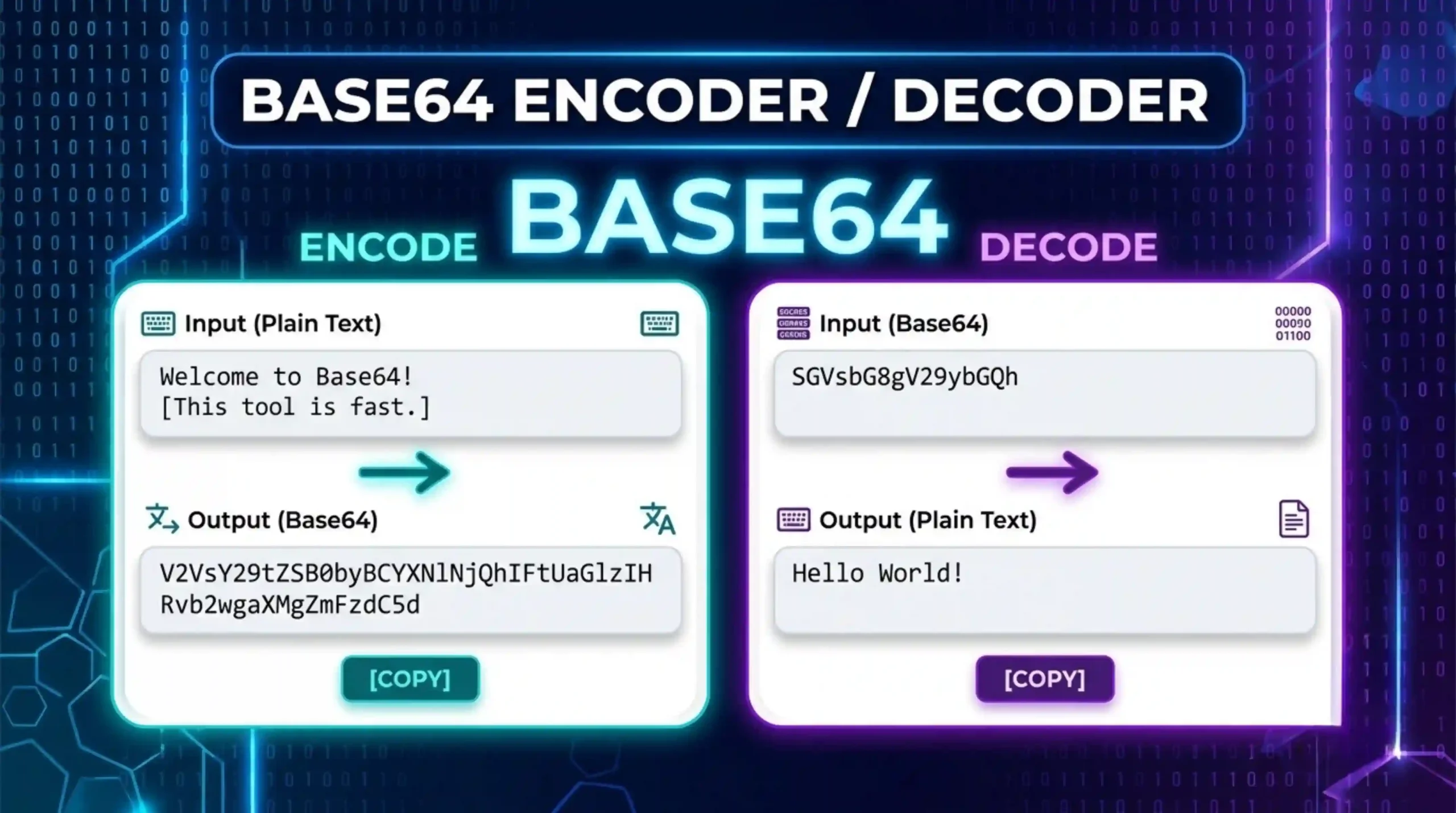
Base64 Encoder/Decoder
Need Help Using Base64 Encoder/Decoder
What is Base64 encoder?
Base64 is a binary-to-text encoding scheme that encodes binary data as a string of 64 printable ASCII characters, A-Z, a-z, 0-9, plus + and /. Designed to safely carry binary data across systems designed for text only, e.g., email (SMTP), JSON, XML and HTML. Base64 is neither encryption nor compression, it just changes the representation of the data. The name comes from the alphabet used, with 64 characters. The output is 4 characters for every 3 bytes of input. This makes the data fully portable across text-only channels without corruption.
How does Base64 encoder actually work?
The encoder takes groups of three input bytes (24 bits total) and breaks each group into four 6-bit values. Each 6 bit value maps to one of the 64 character alphabet. If the input length is not a multiple of 3, then the encoder will add one or two ‘=’ padding characters to fill the last block. For example, “Hi” = “SGk=”. This is a predictable, mathematical transformation, and it is fully reversible; any compliant decoder can reconstruct the original bytes exactly, with no information lost in the process.
What are the most common use cases for Base64 encoder?
Base64 is used wherever binary data must pass through a text-only channel. Key use cases include: embedding small images or icons directly in HTML/CSS as data URIs (e.g. src=”data:image/png;base64,…”); attaching files to emails via MIME; storing binary blobs inside JSON or XML API payloads; encoding credentials in HTTP Basic Authentication headers; encoding JWT header and payload sections; and representing SSL/TLS certificates in PEM format. It is also widely used in IoT devices, mobile apps, and SaaS backends that exchange binary content over REST APIs.
Is Base64 the same as encryption?
No – this is a very common misconception. Base64 is an encoding not an encryption. Anyone can decode a Base64 string without a key or password instantly. It does not provide secrecy. Encryption (AES, RSA, etc.) mathematically scrambles data so it can’t be read without the right key. Base64 is just changing the representation of data so it’s safe to transport in text-based systems. Never hide passwords, secrets or sensitive personal data in Base64, it offers no protection at all and should never be regarded as a security boundary.
Does Base64 increase file size?
What is Base64URL and how is it different?
Base64URL is a URL-safe variant of regular Base64. Standard Base64 uses + and / which are special characters in URLs and may cause parsing errors. Base64URL replaces + with – and / with _ and generally omits the = padding characters. This makes the output safe to be directly embedded in URLs, query parameters, file names and HTTP headers without percent-encoding. JWTs encode the header and payload parts using Base64URL so they can be passed through redirects, cookies and authorization headers reliably and without getting corrupted.
Is Base64 decoder always reversible?
Yes. Base64 is completely reversible and lossless. Any valid Base64 string can be decoded back to its exact original binary data or text. Supported file types are images, PDFs, docs, archives, and simple text. However , decoding can fail for the usual reasons in practice : * Whitespace or line breaks added by some MIME implementations . * Using the wrong variant ( standard vs Base64URL ) . * Missing padding = characters stripped by some systems . * Accidentally double-encoding the data . If the decoding output is garbage , then it ‘s most likely one of the four issues below .
What does the = sign at the end of Base64 decoder strings mean?
The = character is a padding symbol. Base64 works in fixed blocks of 3 input bytes → 4 output characters. When the original input length is not a multiple of 3, the encoder needs to complete the final output block. One missing byte produces one = at the end; two missing bytes produce ==. Padding is part of the standard Base64 specification (RFC 4648). Many decoders accept strings without padding, and Base64URL often omits it entirely. Seeing = or == at the end of a string is completely normal and expected — it does not indicate an error or problem with the encoded data.