
Preview
Need Help Using Image To text
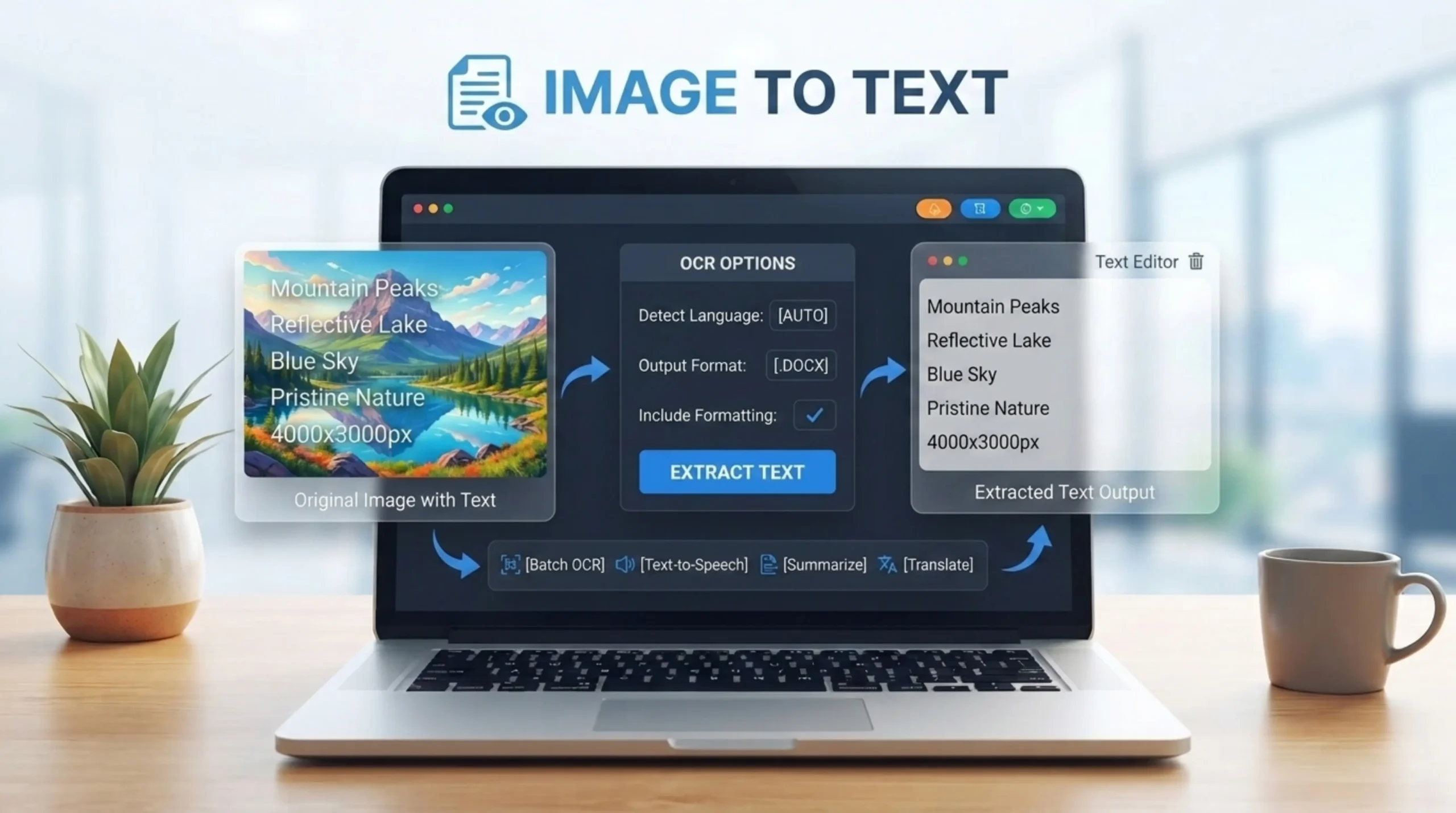
An image text tool is an online free image editing tool which allows you to add custom text overlays on any image. If you want to make memes, create graphics for social media, add watermarks or annotate photos, it gives professional quality results through an intuitive interface. Multiple text layers, a rich font library, drag and drop positioning – just click and drag your text right onto the canvas to position it precisely. Customize the font, color, outline, style, position, size, animation style and drop shadow effect of your text, and add as many text boxes as you want to your canvas
Some of the most popular use cases are: Social media posts on Instagram, Facebook and LinkedIn based on visual quotes and announcements Marketing banners where e-commerce stores create promotional graphics like “50% OFF Summer Sale” over product photography Memes where top and bottom impact font captions stack on viral templates Branding and watermarking where photographers add semi-transparent text layers to protect their intellectual property while sharing publicly You can also add text to photos to make instructions clearer. You could, for example, show step by step how to assemble furniture, with a caption for each photo.
The text tool offers 50+ built-in font families, plus controls for size, weight, italic, underline, alignment, opacity, and blend mode. You can make anything from neat product labels to punchy headline overlays. Improved controls for background fill, outline width, highlight color, curved text & shadow/glow tuning. You may also add different text effects like drop shadow, glow, echo, outline etc. You can alter the shape or curve of your text. You can add advanced effects like neon lights, graffiti, pixel effects etc. without the use of any expensive desktop software.
Use good color contrast – WCAG recommends a minimum contrast ratio of 4.5:1 for regular text and 3:1 for large text. Run it through a contrast checker. Text overlay: Add a semi-transparent overlay (dark or light layer) between background image and text. Which gives a simpler, more readable background. I will use big fonts and simple backgrounds so it can be read on all devices. Sometimes a text shadow or stroke can be used to improve the accessibility best and keep the contrast ratio between the text and background.
Upload common formats like JPG, PNG, WebP, HEIC/HEIF, AVIF, TIFF, BMP and SVG. When you’re done editing, export in the format that works for your channel. This is useful if you need different versions of one image for the web, print mockups and social media. The output is always saved as a high quality PNG file to preserve the transparency and quality. Each layer of text can be a different font, size, color, position and effects.Text layers panel: select and delete individual text items without affecting other layers.
A font has to match its mood, and its use. Simple, clean fonts usually work best in product photos; more decorative or handwritten styles work well with quotes, invites or social media graphics. You want to Make it as readable as you can. Use bold sans serif fonts like Arial Black, Helvetica Bold or Impact for headlines. Use clean fonts like Open Sans or Roboto for body text or subtitles. Avoid fancy or script fonts in digital images, especially on mobile. Headlines should also be 3-7 words long, and most designs should be around 15-20 words in total. Always test on mobile. 70% of social media is viewed on small screens.
Yes — unlimited text layers, reorder and adjust opacity for subtle captions, bold titles and photo watermarks. Create professional-looking graphics in minutes, no complex design software needed. Add impact text in all-caps for memes, and smaller body copy for context. Each layer of text can be a different font, size, color, position and effects. With the text layers panel you can select, delete and manage text elements one by one. With one editing session you can create social media graphics, memes with top and bottom captions, watermarks and complex designs with multiple elements all in the same image.
Add a small translucent layer with your brand name in a corner or across the center. Reduce opacity so it’s noticeable, but not obtrusive. Not only does watermarking your photos prevent unauthorized use, but it also keeps your portfolio and product photos consistent. And if you want to share it publicly you need to add a semi-transparent text layer. Photographers and digital artists often need to add watermark text to image files so they can protect their intellectual property. The application applies all changes on a copy of the uploaded photo, so you will have both original and new watermarked versions, and the source file is never overwritten.
Add 2 text layers. Use all caps. Impact or a bold sans serif. Center Justify: Add a black stroke for contrast. Great for viral content, classic meme generator style. To create a quick meme, just write over the picture with a simple bold font. You just type your words right on top of the photo, and you are ready to publish. Impact is the classic font for meme-style top-and-bottom text captions on viral image templates. It’s bold, high contrast and immediately identifiable as the standard meme format used across all major social platforms.
Text overlays can make your content pop on social media, drive engagement, increase brand recognition, convey information at a glance, and help guide the viewer’s attention to important details. Consistent fonts, colors and styles over time help build brand recognition. Increased Engagement—Text overlays on images increase the engagement and information value of your images, which is a key to success in marketing and social media. Increased Brand Recognition Using text styles consistently helps to reinforce brand recognition and professionalism. Text over images is a great way to get your message across, whether you’re showing special offers in ads or sharing a compelling message on social media. It’s one of the most flexible visual communication tools that creators and businesses can have.