
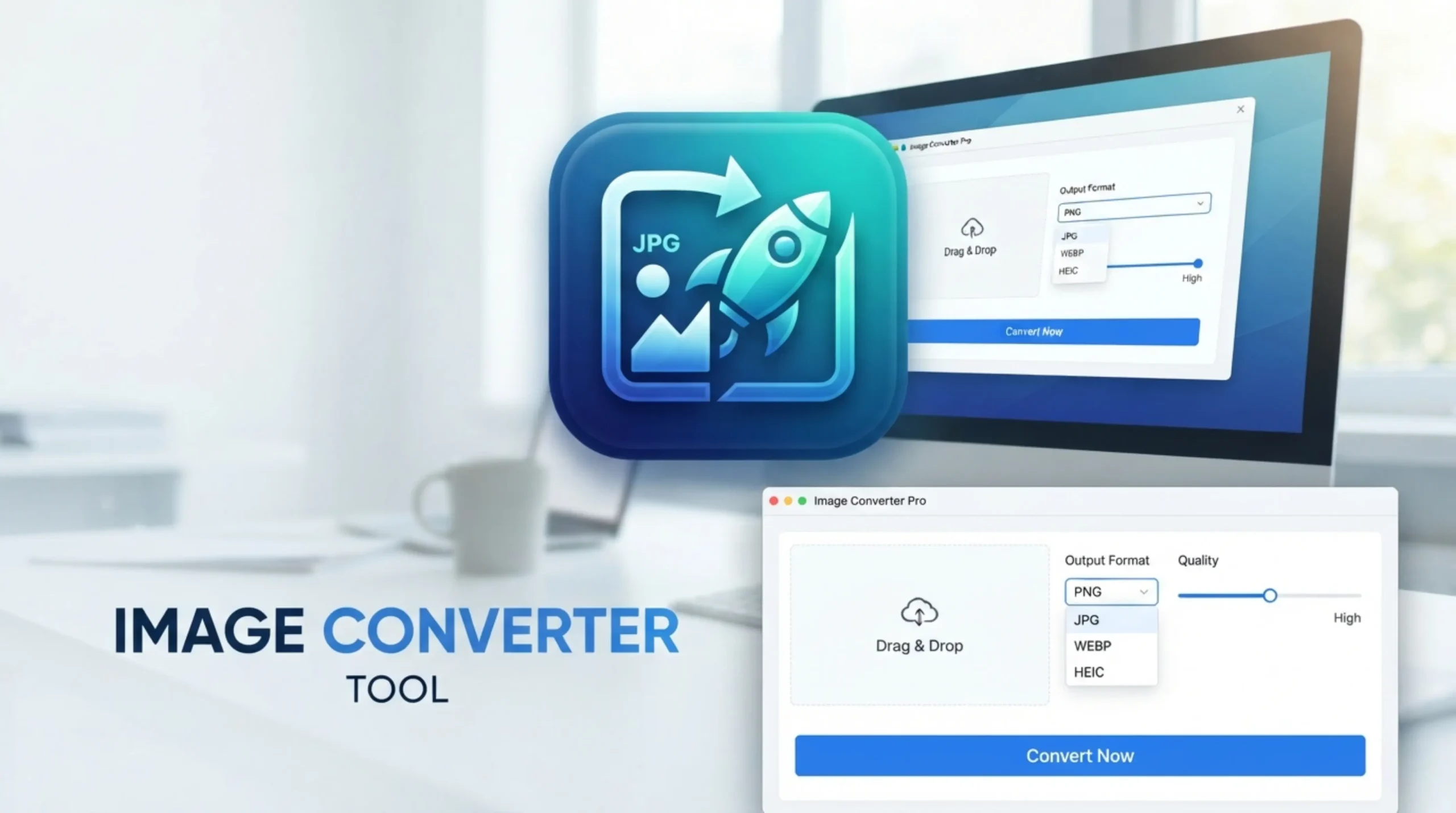
Image Converter Tool
Convert your images to PNG, JPG, GIF or WebP format quickly and easily.
Need Help Using Image Converter
Image file converter is a useful tool for many reasons to convert image files to another format. Picture formats fall into three broad categories: uncompressed, compressed and vector formats. At the time there was a demand for uncompressed formats like BMP. The pictures were good quality, but the files were massive. As the internet grew it became a need to transfer files faster and compressed formats such as JPG became more common. Since then technology has moved on and there are now more sophisticated compressed formats such as WebP which give a good balance between image quality and file size. All these can be converted for free and instantly with converter tools.
There are a number of reasons why you might want to convert images from one format to another. Maybe you can’t see a picture someone sent you or open it up. Maybe you want to turn a video into an animated gif or give customers a preview of your design or work. Or you may not be able to open a camera RAW image or want to resize a shape or outline without loss of quality. HEIC doesn’t work well with online blogs or forms, so it’s best to convert to JPEG or WebP before posting online. TIFF files are also great for editing, but they need to be converted to PNG or JPG for the web.
Image vectorization is the process of converting raster images (like PNG and JPG, which are based on pixels) into mathematical vector graphics (like SVG, AI or EPS) that can be scaled infinitely without losing quality. PNG – Lossless, transparency JPG/JPEG – Lossy, no transparency GIF – Limited colors, animation WebP – Modern lossy + lossless TIFF – High quality print HEIC – Apple’s modern format Vector graphics are paths . They do not lose quality as they scale infinitely and are great for logos and illustrations . Raster images are made up of pixels and when you zoom into them they can pixellate or lose quality.
JPEG is designed to compress photos with minimal visible loss of quality. It is ideal for photos, images for the web, email attachments, and uploads to social media. Usually a quality setting of about 80-85% will give good visual results with reasonable file sizes. PNG is the format for those pixels you can’t lose. In PNG, anything that has text in it – logos, icons, screenshots, diagrams – will have perfectly crisp edges, because nothing is thrown away. The second thing in making a decision is transparency. PNG or WebP is a must for any logo that needs to be on any background. Great for web publishing, blog images and e-commerce product photography.
HEIC is based on the HEVC codec (H.265), the same tech used to compress 4K video. 40-50% smaller photos than JPG, no visible quality loss. Outside the Apple ecosystem, support for HEIC is patchy – Windows needs a paid-for Microsoft codec and many online tools don’t support it. If you want to share it with people who don’t use Apple, convert it to JPG or WebP first. Files are 30-50% smaller than JPG for the same quality. The catch, tho, is that HEIC doesn’t render on many web tools. So if you want to share across platforms, upload to forms, or publish on websites or social media platforms, you will have to convert it.
If you do a lot of edit-save cycles work in PNG or TIFF and only export to JPG or WebP at the end. Going from PNG to JPG is a real downgrade moment – transparency is lost, and it’s flattened to a background. JPG is a lossy compression. It discards the least likely image data that you will miss. That’s why a picture can be reduced to a tenth of its raw size and still look good. JPG does not work well for anything with a transparent background (which will be filled in with white) and for sharp-edged graphics like logos or text, where the compression causes visible smudging around the edges. Lossless to lossless conversions (e.g. PNG to WebP lossless) preserve all original quality.
Yes, free online converters work with all the major camera brands and support all major RAW formats like DNG, CR2, NEF and RAF. Just drop your RAW files to start conversions to JPG or PNG formats. Share raw camera files from Canon CR2/CR3, Nikon NEF, Sony ARW, Fujifilm RAF, Adobe DNG, Panasonic RW2, Olympus ORF, Pentax PEF and Sigma X3F as JPG, PNG for lossless use on the web or TIFF for print and archiving — no expensive desktop software required to go from straight-from-sensor files to delivery formats.
A batch image converter makes it easy to convert multiple image files at once. Great for professionals who need to convert lots of images quickly. Want to convert images to JPG, PNG or other formats? The free image converter handles all popular file types – great for web, print or social media. One of the quickest page speed wins you can make is converting an existing library of JPG or PNG images on your site to WebP. A free image converter lets you convert up to 20 images at a time, right in your browser, with no need to upload or sign up.
Image vectorization is the process of taking a raster image (pixels) and converting it into a vector image (math paths and shapes). The result can be scaled infinitely without loss of quality and edited path by path with any vector editor. Vectorization is also known as image tracing, raster-to-vector conversion, or simply tracing. Clean vector conversions come from good, clean, sharp images with clean edges. Simple color palettes help the AI identify distinct shapes and draw cleaner paths. SVG is great for logo design and branding. SVG lets you turn a low-res logo into vector art you can scale for print and web.
The most reliable online converters won’t keep your files for more than 24 hours – after that they are permanently deleted from the servers. You can be sure that no one is accessing them all the time, and uploads from your computer, Google Drive or Dropbox are managed securely. We care about privacy and security, all file transfers are protected with encryption and files are automatically removed after 8 hours. No software to download, no registration, and no watermarks on your converted images—the entire process is fast, safe, and available to everyone.